Download IndiaFont V6
Start free, with no time limit. No credit card required.
Windows
Win 10/11 (64-bit) • 4GB RAM • 1GB free

Need an older version?
Download IndiaFont V5, V4, V3, V2 or any previous version
Download IndiaFont V6 & Install
Get started with IndiaFont V6 in 4 simple steps
STEP 2
Sign In
Create a free account, or use the email of your IndiaFont V1–V5 licence
STEP 3
Start Designing
Open a template, type with the AMS fonts or let Calligraphy AI write it
STEP 4
Go Pro
Upgrade when you need every font, the whole library and everything in the plugins
CHECK PRICINGAlready an IndiaFont client?
V1, V2, V3, V4 and V5 clients upgrade to V6 Lifetime at their own loyalty price. Sign in to V6 with the same email, or check your price now.
See IndiaFont V6 in 4 Minutes
From a blank page to a finished design: fonts, Calligraphy AI, templates and the plugins
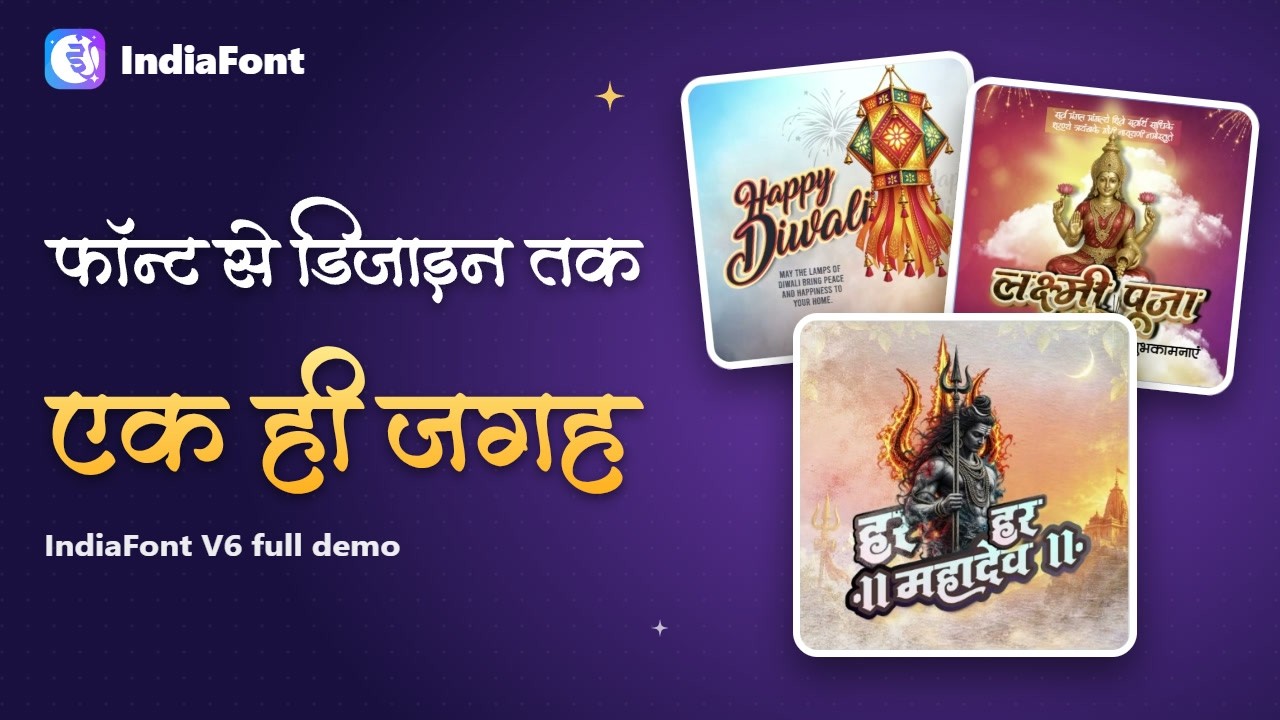
Everything You Get with IndiaFont V6
342 AMS Fonts
- Hindi, Marathi, Gujarati & English
- Real, editable text
- Every letter shape one click away
Calligraphy AI
- Type a word, get dozens of styles
- Single and multi line
- Lands as editable vector art
Design Editor
- Pages, layers, shapes & pictures
- 100+ text effects + your own
- JPG, PNG, SVG & PDF for print
Library & Plugins
- 5,300+ templates, text art & pictures
- CorelDRAW & Adobe plugins
- Opens your V4 / V5 designs
System Requirements
Windows
- System
- Windows 10 or Windows 11, 64-bit
- Memory
- 4 GB RAM (8 GB recommended)
- Disk space
- 1 GB free for the app; 3 GB with the full Pro library
- Screen
- 1366 × 768 or larger (1920 × 1080 recommended)
- Internet
- For sign-in, Calligraphy AI, the library download and updates; your designs open offline
- Plugins
- CorelDRAW 2018 or newer; Adobe Illustrator, Photoshop, InDesign, Premiere Pro, After Effects (2020 or newer)
Mac
- System
- macOS 13 Ventura or newer
- Processor
- Apple chip (M1, M2, M3, M4) or Intel: pick the matching download
- Memory
- 4 GB RAM (8 GB recommended)
- Disk space
- 1 GB free for the app; 3 GB with the full Pro library
- Screen
- 1366 × 768 or larger (1920 × 1080 recommended)
- Internet
- For sign-in, Calligraphy AI, the library download and updates; your designs open offline
- Plugins
- Adobe Illustrator, Photoshop, InDesign, Premiere Pro, After Effects (2020 or newer). The CorelDRAW plugin is for Windows.
IndiaFont V6 FAQ
Is IndiaFont V6 free?
Yes. Everyone starts on a Free account with no time limit: the free AMS fonts, Calligraphy AI every day, the free library and exports with a small watermark; the CorelDRAW and Adobe plugins work with the free fonts and items. Pro unlocks all 342 fonts, the whole library, full-size exports without a watermark and everything in the plugins: ₹1,420 a year or ₹12,400 once (+ GST).
Do I need a credit card to start?
No. Download, create a free account and start designing. You pay only if you choose Pro.
I already have IndiaFont (V1, V2, V3, V4 or V5). What do I pay?
You get your own loyalty price for V6 Lifetime. Sign in to V6 with the same email as your licence and the app shows your price, or check it on the my-offer page. Check my upgrade price →
Will my old designs work?
Yes. V6 opens your IndiaFont V4 / V5 design files (.if) so you can keep editing them, and everything you make in V6 is saved on your computer.
Which programs do the plugins work in?
CorelDRAW 2018 or newer (Windows) and Adobe Illustrator, Photoshop, InDesign, Premiere Pro and After Effects (2020 or newer). Install them from My account › Plugins inside V6.
On how many computers can I use it?
Each plan is for one computer. Get Pro within 30 days of your first sign-in and your second computer is free.
Which Mac download is mine?
The same download works on every Mac with macOS 13 or newer, Apple chip (M1–M4) or Intel: both Mac buttons give you the same file. The Mac install guide shows every step. Mac install guide →